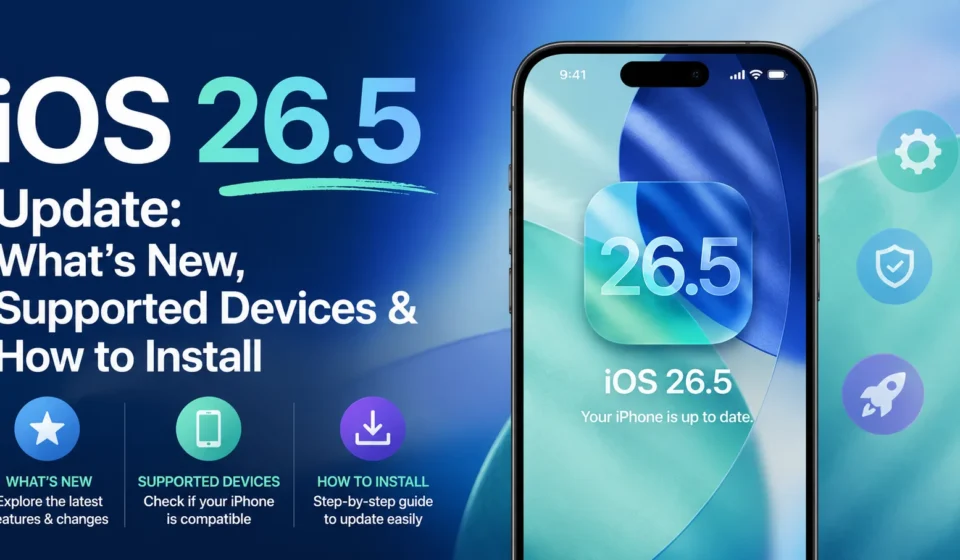
Apple released iOS 26.5 on May 11, 2026, and at first glance it looks like a small point update. Look a little closer and there is more inside than the version number suggests: end-to-end encrypted RCS messaging between iPhone and Android, a new Pride Luminance wallpaper system with 11 variants, Apple Maps “Suggested Places,” a fresh App Store subscription model, and patches for more than 50 security vulnerabilities. Here is everything new in iOS 26.5, who can install it, how to update safely, and which features are actually worth your time.
Table of Contents
When iOS 26.5 Was Released
Apple pushed iOS 26.5 to the general public on Monday, May 11, 2026, alongside iPadOS 26.5. The build number is 23F75, and the same release dropped for tvOS, watchOS, visionOS, and HomePod software the same day. The developer beta ran for about four weeks before this public release, which is short for a point update and signals that Apple wanted the security patches out fast.
What’s New in iOS 26.5
The official Apple changelog for iOS 26.5 lists three “new features” on the iPhone, but there are useful additions tucked into the App Store, Maps, and a long list of fixes. Quick summary:
- End-to-end encrypted RCS messaging between iPhone and Android (beta, carrier-dependent)
- Pride Luminance wallpaper with 11 color variants
- Suggested Places in Apple Maps search
- New App Store subscription model: monthly billing with 12-month commitment for annual-discount pricing
- 50+ security fixes, including ten WebKit vulnerabilities and several kernel and Wi-Fi flaws
- Smaller bug fixes for Shortcuts, Spotlight, and screenshot reliability
End-to-End Encrypted RCS Messaging
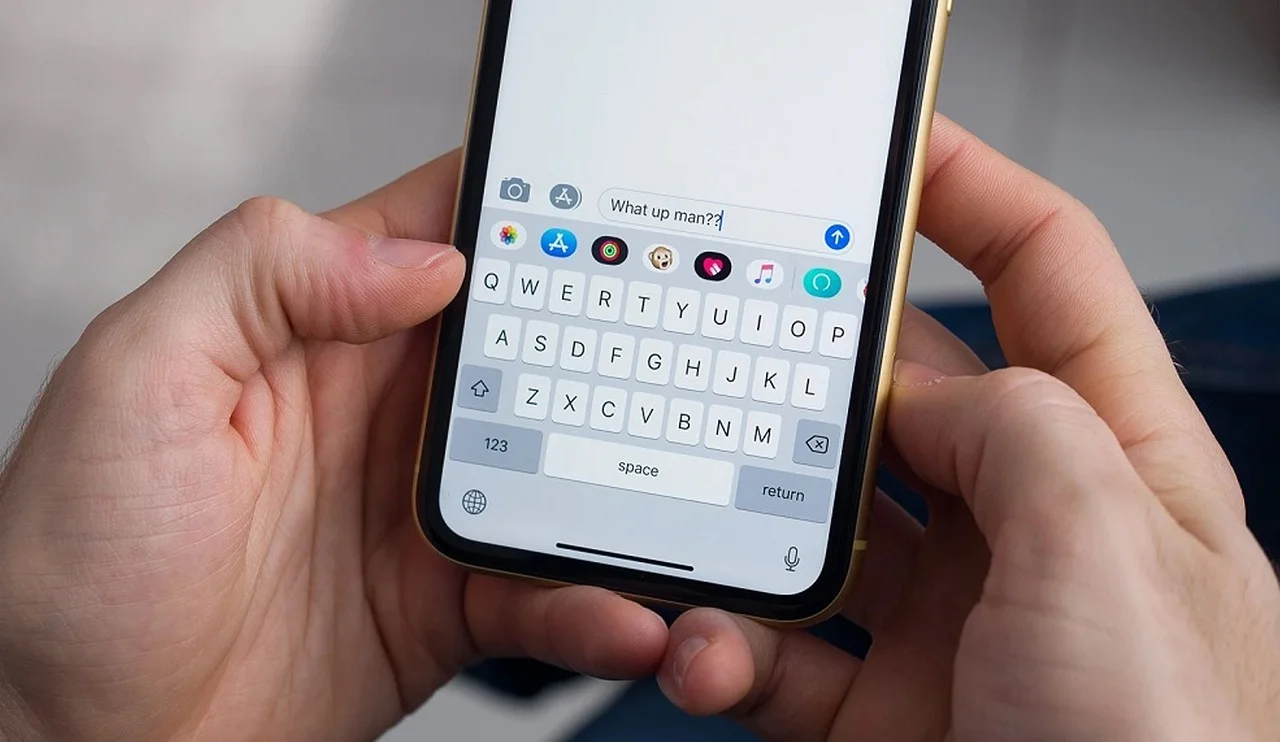
This is the headline feature. Until iOS 26.5, RCS chats between iPhones and Android phones were modern (typing indicators, read receipts, high-res media) but not end-to-end encrypted. That meant carriers could technically see message contents. Starting with iOS 26.5, RCS conversations get the same E2EE protection that iMessage has had for years, as long as both sides are on a supported carrier and an RCS version that implements the new specification.
Two real-world catches:
- Both sender and recipient must be on a carrier that supports the latest RCS spec. The list will expand over the coming months; right now major US carriers are first in line.
- The feature is technically still in beta. Apple marks the encryption status visually in Messages, so you can see when a chat is or is not end-to-end encrypted.
For most users, the change is invisible: Messages just feels more like iMessage when texting Android friends. For anyone who cares about privacy, this is the single most important update in iOS 26.5.
Pride Luminance Wallpaper
Apple has released a Pride wallpaper every year, but iOS 26.5 introduces something a little different. Pride Luminance is not one wallpaper; it is a configurable system with 11 colorful variants you can switch between. You set it from Settings → Wallpaper → Add New Wallpaper → Collections → Pride Luminance. The variants animate when you wake the phone and pair with a matching lock screen and home screen theme.
If you do not care about the Pride theme, this update has zero impact on you. If you do, it is the most customizable Pride wallpaper Apple has ever shipped.
Apple Maps Suggested Places
Apple Maps now shows two place recommendations whenever you tap the search bar. Suggestions are based on your location, time of day, history (saved locally on-device by default), and what is trending in your area. It is a smaller change than RCS, but it is the first time Maps has tried to compete directly with Google Maps’ “for you” recommendations.
If you would rather not see suggestions, turn them off under Settings → Maps → Suggested Places.
App Store: New Subscription Model
A quieter change with real consequences for power users. The App Store now lets developers offer monthly subscriptions with a 12-month commitment. Think of it as the annual discount, split into twelve smaller payments. Users get the lower yearly price, without paying a year’s worth up front. Developers get the predictability of annual revenue without sticker shock at signup.
Expect popular apps (notes, productivity, fitness) to start offering this option over the next few weeks.
Security Fixes (50+ Vulnerabilities)
According to Apple’s official security advisory for iOS 26.5, the update patches more than 50 distinct security issues, including:
- Ten WebKit vulnerabilities that could allow malicious websites to crash Safari or access sensitive data
- Multiple kernel issues, the most serious kind because they can allow privilege escalation
- Wi-Fi and sandbox flaws that could let apps escape their permissions
- Image and file handling bugs in ImageIO and CoreMedia
- Spotlight, Shortcuts, and screenshot issues that could leak data
- Privacy and telemetry fixes across several system frameworks
There is no public indication any of these are being actively exploited in the wild, but the WebKit and kernel patches are the type that researchers and attackers reverse-engineer quickly once the update ships. The security argument alone is enough reason to install iOS 26.5 within the first week of its release.
Supported Devices
iOS 26.5 is available for every device that supported iOS 26 last fall. The list:
iPhone
- iPhone 17 series (Pro, Pro Max, Air, base)
- iPhone 16 series
- iPhone 15 series
- iPhone 14 series
- iPhone 13 series
- iPhone 12 series
- iPhone 11 series
- iPhone SE (2nd and 3rd generation)
iPad (gets iPadOS 26.5)
- iPad Pro 12.9-inch, 3rd generation and later
- iPad Pro 11-inch, 1st generation and later
- iPad Air, 3rd generation and later
- iPad, 8th generation and later
- iPad mini, 5th generation and later
If your iPhone is older than the iPhone XR or iPhone XS, you are stuck on iOS 18 and cannot install iOS 26.5. Apple has been releasing separate security patches for those devices through iOS 18.x updates.
How to Update to iOS 26.5
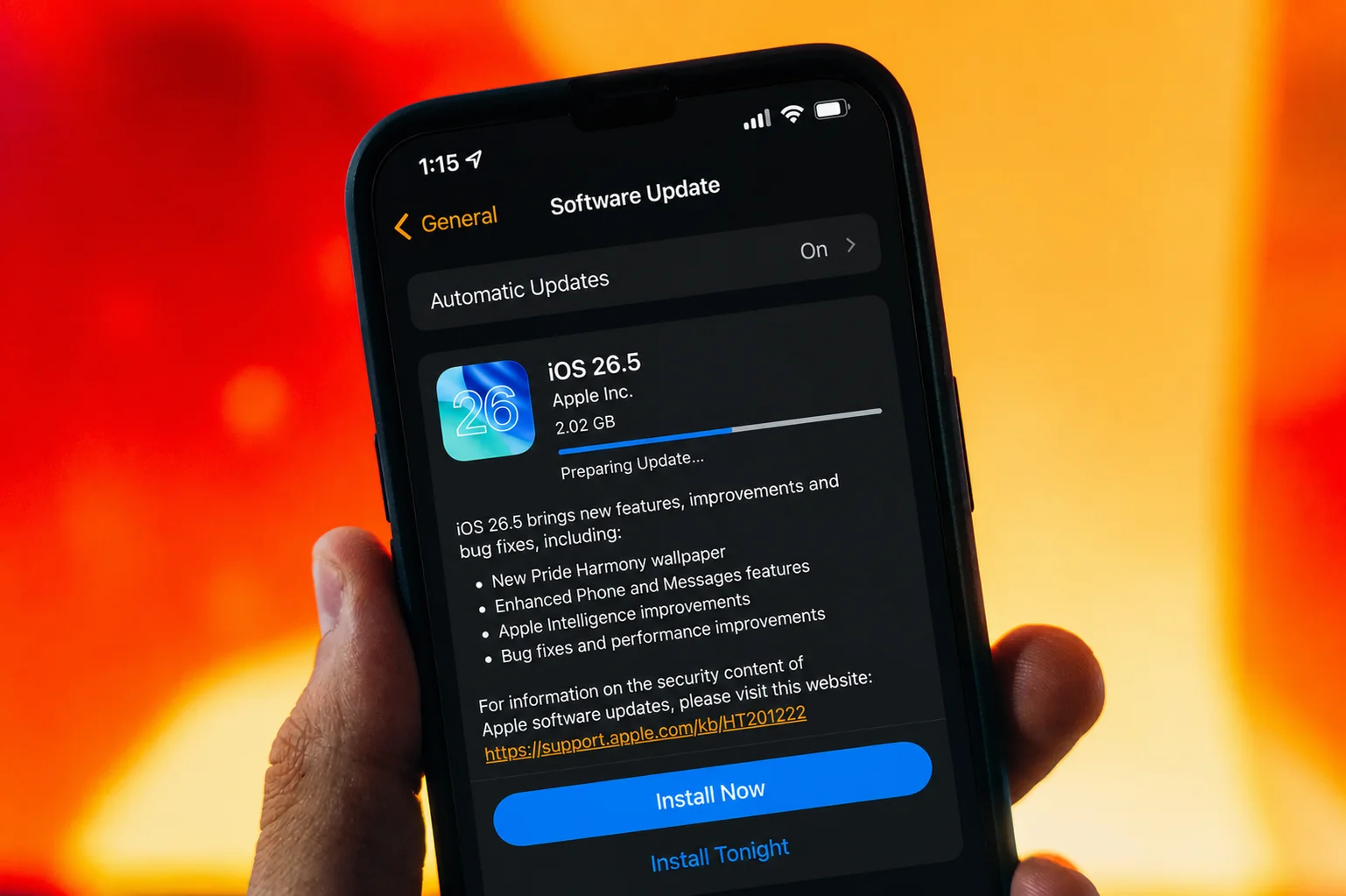
A standard over-the-air update. Five steps:
- Back up first. Open Settings → tap your name → iCloud → iCloud Backup → Back Up Now. Or plug into a Mac/PC and back up there.
- Plug into power. Apple requires at least 50% battery for OTA updates; on the charger is safer.
- Connect to Wi-Fi. The download is roughly 1.2 GB on most iPhones.
- Go to Settings → General → Software Update. If iOS 26.5 is offered, tap Download and Install.
- Wait through the restart. Total install time is usually 20 to 40 minutes, depending on the device.
Is iOS 26.5 Worth Installing?
Short answer: yes, especially for the security fixes.
If you text Android friends regularly, the encrypted RCS support alone is worth the 30-minute install window. If you do not, the security patches still are. Early reports from MacRumors and 9to5Mac users on the day-one release describe the update as stable with no widespread battery drain or third-party app issues. The usual caveat applies: if your iPhone is your only work device and tomorrow is a critical day, hold the update for 48 hours to let Apple catch any edge cases.
Frequently Asked Questions
When was iOS 26.5 released?
Apple released iOS 26.5 to the public on Monday, May 11, 2026. iPadOS 26.5, watchOS 26.5, tvOS 26.5, and visionOS 26.5 came out the same day.
What’s new in iOS 26.5?
The three headline features are end-to-end encrypted RCS messaging between iPhone and Android, the new Pride Luminance wallpaper with 11 variants, and Suggested Places in Apple Maps search. The App Store also gains a new monthly-with-annual-commitment subscription option. Over 50 security vulnerabilities are patched.
Which iPhones can run iOS 26.5?
iOS 26.5 supports iPhone 11 and later, including iPhone SE 2nd and 3rd generation. If you have an iPhone XS, XR, or older, you are limited to iOS 18 and will not see the iOS 26.5 update.
Is iOS 26.5 a big update?
It is a point update, so the user-visible changes are smaller than a full version jump. The encrypted RCS feature is significant for privacy, and the 50+ security fixes are substantial under the hood. For most users, it is a quick, low-risk install.
How long does iOS 26.5 take to install?
Around 20 to 40 minutes total: roughly 10 to 15 minutes for the download on home Wi-Fi, and another 15 to 25 minutes for verification and installation. Plug into power before you start.
Does iOS 26.5 drain battery?
Early reports from day-one users do not mention unusual battery drain. Some apps may use more battery for the first 24 to 48 hours after any update while they re-index data and Spotlight rebuilds. If drain persists past two days, restart the phone once.
Can I roll back from iOS 26.5 to 26.4?
Only for a short window. Apple typically stops signing the previous iOS version about two weeks after the new release. While 26.4 is still signed, you can downgrade through a Mac or PC by restoring an IPSW file. Once signing closes, the downgrade is no longer possible without unofficial tools.
Is encrypted RCS available worldwide?
Not yet. Encrypted RCS requires both sender and recipient to be on a carrier that supports the latest RCS specification. The rollout begins with major US carriers and expands globally over the next several months.
Bottom Line
iOS 26.5 is a small-named update with one big feature underneath. End-to-end encrypted RCS finally closes the privacy gap between iPhone and Android messaging, and the 50+ security fixes are a strong reason to install within the week. The new Pride wallpaper and Maps Suggested Places are pleasant additions, and the App Store subscription model will quietly reshape how some apps price themselves. Back up first, plug in, and run the update.
For more iPhone tips and free tools, head back to Toolifye.